Affect vs Effect: The Rule That Finally Sticks
Affect vs effect made simple: the core rule, the RAVEN trick, the exceptions, and examples.
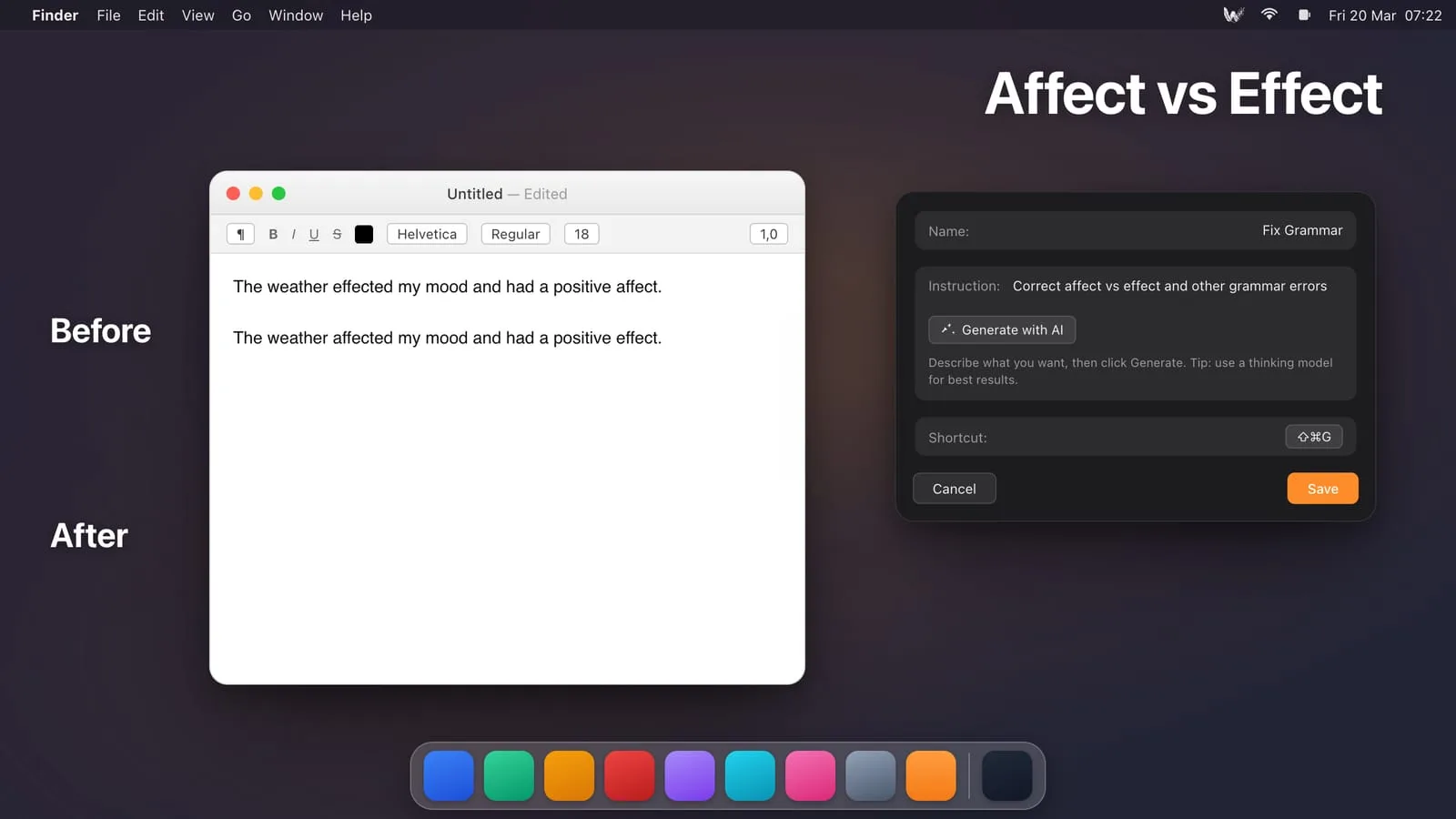
Affect vs effect trips up native speakers and learners alike, and honestly the confusion is fair. The two words sound almost identical and their meanings are related. But one rule covers the large majority of cases, so let us start there.
The Core Rule
Affect is usually a verb. Effect is usually a noun. Affect is the action of changing something. Effect is the result of that change.
- The rain affected the traffic. (verb, the action)
- The rain had an effect on the traffic. (noun, the result)
A quick test: if you can put “the” or “an” in front of the word, you want effect. If the word is doing something, you want affect.
The RAVEN Trick
The classic memory aid is RAVEN: Remember, Affect is a Verb, Effect is a Noun. Five letters, and it covers you most of the time.
The Exceptions Worth Knowing
Now the two cases that break the simple rule:
- Effect as a verb means to bring something about: “The new manager effected change across the team.” This is exactly why “effect change” and “affect change” both look right to people. To effect change is to cause it; to affect change is to influence a change that is already happening.
- Affect as a noun appears in psychology, meaning observable emotion: “The patient displayed a flat affect.” Note the stress moves to the first syllable.
Affecting or Effecting
Same logic applies. Affecting means influencing, and an “affecting film” is also one that moves you emotionally. Effecting means causing or bringing about. In everyday writing you almost always want affecting.
Why It Is Easy to Get Wrong in the Moment
You know the rule, but you are typing fast, mid-thought, and your brain reaches for the sound, not the spelling. That is exactly when affect and effect swap places. A spell checker will not catch it, because both words are spelled correctly. You need something that understands context.
That is the gap a tool like WunderType fills. Select your sentence, press a shortcut, and it flags the wrong one based on how you actually used it, in any app. It is the same idea behind a good grammar checker or AI proofreader: catch the mistakes that pass a dictionary check. A comma checker and a subject-verb agreement checker handle the other errors that slip through for the same reason.
Learn the RAVEN rule, remember the two exceptions, and keep a context-aware safety net for the moments you are moving too fast to think about it.
Download WunderType from the Mac App Store and catch affect vs effect slips automatically.
Text Replacement on Mac: How to Set It Up, Sync It, and Know When It Won't Help
A complete guide to text replacement on Mac — how to add snippets in System Settings, how iCloud sync really behaves, and the one job it can never do.
Related →How to Check German Grammar on a Mac — in Any App, Without Copy-Paste
Check German grammar system-wide on your Mac: Kasus, Kommas and Groß-/Kleinschreibung fixed in Mail, Word or Slack with one shortcut — no pasting into websites.